FREE TO PLAY / APPLE SILICON

Free native Mac games, from download to first play

Choose five free native game options for Apple silicon. Download the Mac app, add free game data where needed, and start playing without buying a ROM.

Pick the kind of game you want

Choose a style and open a card’s installation steps before downloading.

5 games

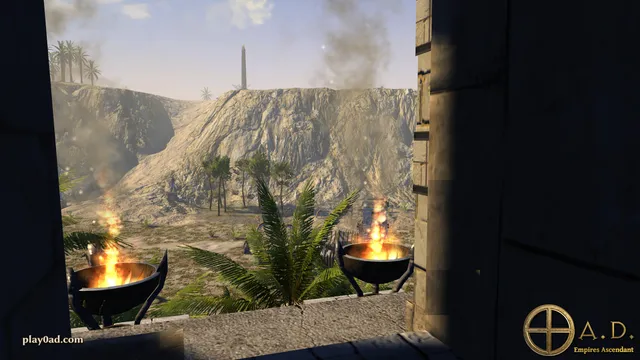
Ancient buildings and a river valley in 0 A.D.’s official screenshot gallery.
Wildfire Games · official gallery ↗

Strategy

0 A.D.

Build an ancient civilization, gather resources and command an army. Start here for historical real-time strategy.

Mac packageApple silicon download · macOS 11+ · Release 28

Install and start playing

Choose the M1+ DMG, open it, then drag the app to Applications. Launch a single-player match to learn resource gathering before joining the lobby.

Choose the Apple silicon download rather than the separate Intel DMG. The game’s data is included.
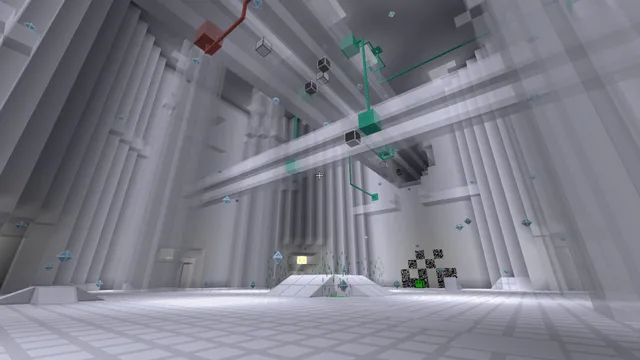
The Glitch game’s geometric white environment, shown in Luanti’s official gallery.
Glitch in Luanti · official Luanti gallery ↗

Creative

Luanti + a free game

Install the voxel-game platform, then choose a free game for building, exploring or platforming. The engine download is only the first step.

Mac packageSigned Apple silicon app · macOS 12.3+ recommended · 5.17.0

Install and start playing

Install the Apple silicon app, then use Content → Browse online content to install a Game. Create a world for that game before pressing Play.

Luanti is a platform, not Minecraft. You need a game package; free packages are available through its content browser.

Luanti: first game and world ↗
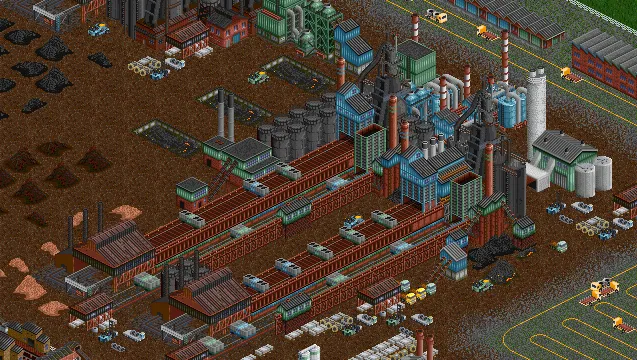
An isometric industry and transport network in OpenTTD’s official gallery.
alexthedacian · OpenTTD 1.9 gallery ↗

Strategy

OpenTTD

Build railways, road services, ports and airports in a transport-company simulation. Start small with one route and grow the network.

Mac packageIntel / Apple silicon package · macOS 11+ on Apple silicon · 15.3

Install and start playing

Install the Mac package. On first launch download OpenGFX when prompted for base graphics; start a new game after the data is installed.

OpenGFX provides free graphics, so the original Transport Tycoon Deluxe files are optional. OpenSFX and OpenMSX add free sound and music.

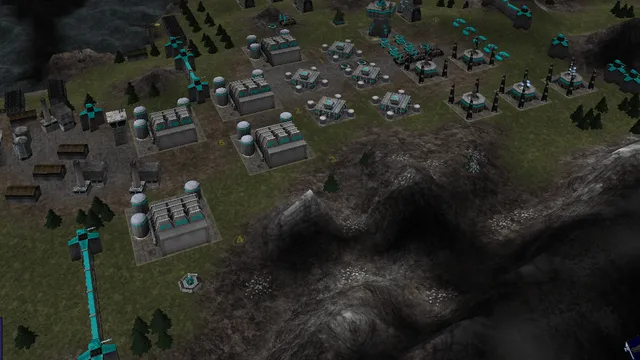
A constructed base and vehicles in Warzone 2100’s official gameplay image.
Warzone 2100 Project · official gallery ↗

Strategy

Warzone 2100

Design combat vehicles, research technology and command a post-apocalyptic army. Start with the tutorial, then the campaign.

Mac packageUniversal Mac app · Apple silicon or Intel · 4.7.0

Install and start playing

Download warzone2100_macOS_universal.zip, unzip it and copy the app to Applications. Open the in-game Tutorial first.

Use the full ZIP to include campaign videos. The separate novideos package omits them; a source archive is not the ready-to-run app.

Warzone: Universal includes Apple silicon ↗
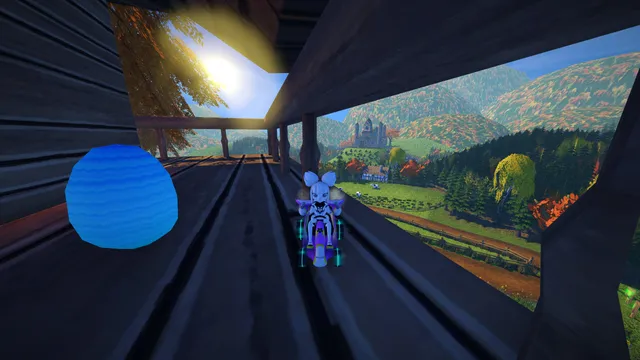
Kiki beside a collectible egg on a Black Forest balcony in SuperTuxKart 1.5.
SuperTuxKart Team · Black Forest, 1.5 gallery ↗

Racing

SuperTuxKart

Race colorful karts or try its extra arena modes. Start here for a game that makes the first session about driving, not building a toolchain.

Mac packageAll-architectures Mac ZIP · version 1.5

Install and start playing

Choose the full macOS ZIP, extract it and copy the app to Applications. Begin with a local race; try the egg-hunt and soccer modes afterward.

The current stable Mac package is SuperTuxKart-1.5-mac-signed.zip. Evolution preview screenshots do not describe this stable release.

Install the Mac package you downloaded

TWO DOWNLOAD FORMATS · THE SAME DESTINATIONMove the actual game app into Applications.
DMG · 0 A.D. / OPENTTD

Open the disk image → drag the app to Applications → eject the image.

ZIP · WARZONE / SUPERTUXKART

Extract the archive → find the app → copy it to Applications.

For Luanti, follow its Apple silicon app download. Choose the ready-to-run app rather than a source-code archive.

Launch the installed copy from Applications. If macOS stops it, match the exact opening warning and follow the corresponding steps. Keep the download until you have confirmed that the installed app opens.

Two games need one extra step before you can play

LUANTI · ENGINE + GAME

Install a game, then create its world

  1. Open Content → Browse online content.
  2. Choose a package of type Game, read its description and install it.
  3. Return to Start Game, choose that game and create a new world.
  4. Select the world and press Play.

Texture packs and mods are different package types; installing one by itself does not give the engine a game. The Luanti gallery image above shows Glitch, one example of the platform’s range.

Official first-game instructions ↗
OPENTTD · APP + BASE GRAPHICS

Download the free OpenGFX graphics set

  1. Open OpenTTD after installation.
  2. Accept its first-run download of OpenGFX if no base graphics are installed.
  3. Use the in-game content downloader for optional OpenSFX sound and OpenMSX music.
  4. Create a new game and start with a short transport route.

The original Transport Tycoon Deluxe data can also be used by owners, but OpenGFX gives this route a complete free starting point.

Official graphics and Mac downloads ↗

Make the first session easy to finish

  • No game appears in Luanti? Install a Game package before making a world; a mod or texture pack does not replace that step.
  • OpenTTD asks for graphics? Download OpenGFX. Buying the original game is not required for this route.
  • Warzone has no campaign movies? Use the full Universal ZIP rather than the package whose name ends in novideos.
  • Wrong architecture? Choose Apple silicon / M1+ for 0 A.D. and Luanti. OpenTTD, Warzone and SuperTuxKart use packages that include both Mac architectures.

Packages and versions above were read on 22 October 2026. A free engine that requires your own commercial ROM is a different route. Our game guides explain those inputs. For paid store releases with a Mac version, compare the Steam native games list.