Switch-native builderThe Legend of Zelda: Tears of the Kingdom
MacNativeGames builds a Mac app from your own XCI or NSP and prod.keys.
Mac: Apple silicon, macOS 26 or later; 16 GB memory recommended; about 25 GB free (40 GB with an update).
Files & setup details Your own game files
- Get started
- Your own base game 1.0.0 (XCI or NSP) and prod.keys; optionally a separate 1.1.2, 1.2.1 or 1.4.3 update. No release download exists — you build from source.
- Route detail
- iPhone/iPad: only 1.4.3 has been tested by the author.
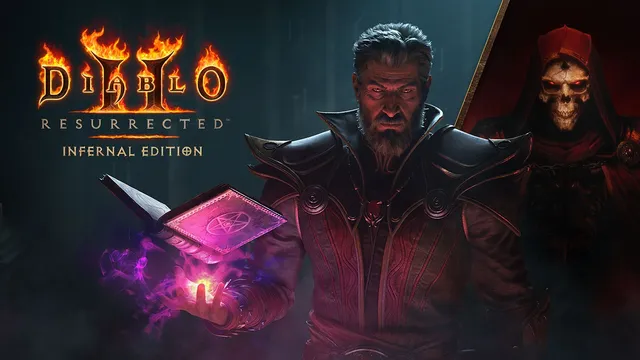
Switch-native builderDiablo II: Resurrected
D2R Mobile builds a Mac app from your own Switch release with Reign of the Warlock.
Mac: Apple silicon, macOS 26 or later; macOS 15–25 with the older-API build. Intel Macs are not supported.
Files & setup details Your own game files
- Get started
- Your own Switch release 1.0.34.0 (PC 3.3.94012) with the Reign of the Warlock expansion; built with the project scripts and Xcode.
- Route detail
- Keep the build workspace in place: the Mac app uses its rewritten code, resources and shaders.
Community source portThe Legend of Zelda: Ocarina of Time
Ship of Harkinian has a Mac download; you supply your own ROM.
Mac: The project’s macOS guide names no minimum version; its first-open steps are written for macOS 13 Ventura and later.
Files & setup details Your own game files
- Get started
- Download the Mac zip from the Ship of Harkinian releases; on first launch pick your own ROM (check it at ship.equipment).
- Route detail
- On first launch the app extracts the game data from your ROM (“Processing OTR”).
Community source portStatic recompilationThe Legend of Zelda: Majora's Mask
Two Mac routes: 2 Ship 2 Harkinian or Zelda 64: Recompiled, each with your own ROM.
Mac: Zelda 64: Recompiled: “A Mac with Apple Silicon or an Intel 7th Gen CPU with MacOS 13.0+”. 2Ship: not stated as one line.
Files & setup details Your own game files
- Get started
- 2Ship: Mac zip from its releases, ROM checked at 2ship.equipment. Zelda 64: Recompiled: macOS zip, accepts only the US N64 ROM.
- Route detail
- Zelda 64: Recompiled is a static recompilation; 2Ship is a source port with Metal as the default renderer on macOS.
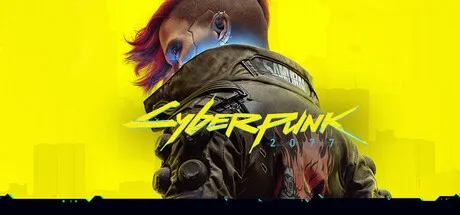
Official Mac portCyberpunk 2077
Official Mac version on the Mac App Store, Steam, GOG and Epic.
Mac: Apple M1, 16 GB, macOS 15.5 or later (CDPR minimum tier: 1440×900 or 1600×900, 30 fps target).
Files & setup details Store version
- Get started
- Mac App Store (about 159 GB) or Steam, GOG, Epic Games Store (about 92 GB). Must be installed on an SSD.
- Route detail
- The default “For this Mac” preset never turns on ray tracing.
Official Mac portDeath Stranding Director's Cut
Mac version on the Mac App Store only; the Steam version lists Windows only.
Mac: macOS 13.3 or later and a Mac with Apple M1 or later (App Store compatibility line).
Files & setup details Store version
- Get started
- Mac App Store, sold by 505 Games. Requires signing in to iCloud with iCloud Drive turned on.
- Route detail
- Choose the Mac App Store edition; the Steam edition is for Windows.
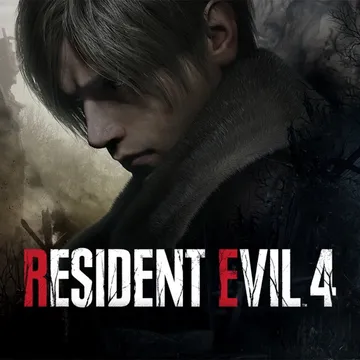
Official Mac portResident Evil 4
Free download on the Mac App Store; the full game is an in-app purchase.
Mac: macOS 13.0 or later and a Mac with Apple M1 or later (App Store compatibility line). The Mac description estimates about 70 GB; installing needs at least twice that free.
Files & setup details Store version
- Get started
- Mac App Store, by CAPCOM. A limited part is free; the full game is the “Base Game” in-app purchase. Separate Ways is a separate purchase.
- Route detail
- The Mac release notes removed the every-start internet requirement in 1.0.4; downloads and purchases still use the network.