STEAM / APPLE SILICON

Steam native Mac games you can install and play

Choose from eight native Apple silicon games on Steam. Compare the Mac requirements, find the right edition and install directly from your library.

Choose your next Steam game

Filter by play style or published memory minimum. Open a card for first-session steps.

RAM filtering compares only the published memory minimum. Use each card’s chip, macOS and storage requirements to finish your choice.

8 games

Two characters in a police car in Cyberpunk 2077’s Steam gallery.
CD PROJEKT RED · Steam gallery ↗

RPG

Cyberpunk 2077

Explore Night City in a first-person RPG built around combat, character upgrades and branching stories.

Mac requirementsM1 · 16 GB RAM · macOS 15.5+ · 92 GB on SSD

Your first session

Install the Mac version from your Steam library. Start with the “For this Mac” preset before adjusting graphics.

Steam ownership includes the Mac version. Phantom Liberty is separate content unless included in your edition.
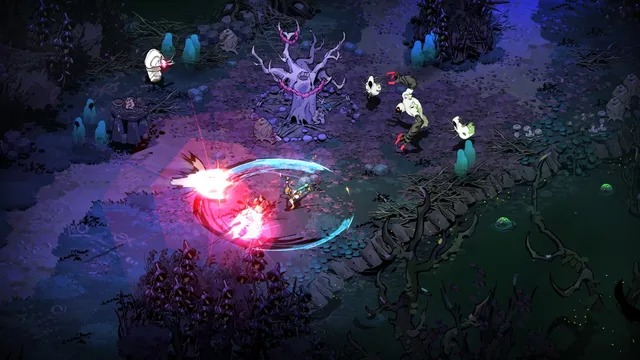
Melinoë fighting enemies with a bright magical attack in Hades II.
Supergiant Games · Steam gallery ↗

Action

Hades II

Fight through changing underworld encounters as Melinoë. Choose it for repeatable combat runs and character-driven storytelling.

Mac requirementsM1 · 8 GB RAM · macOS 12+ · 11 GB

Your first session

Install from Steam on the Mac and begin a new run. Learn the attack, special and cast controls before changing difficulty or adding mods.

The store recommends M1 Pro and 16 GB; minimum and recommended hardware are different tiers.

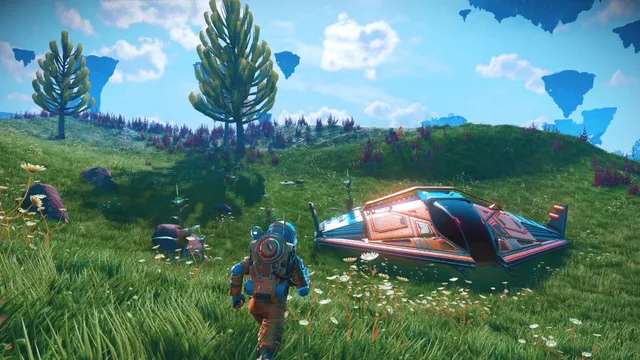
An explorer and spaceship on a colorful planet in No Man’s Sky.
Hello Games · Steam gallery ↗

Exploration

No Man’s Sky

Travel between planets, build bases and explore with other players. Choose it for an open-ended space journey.

Mac requirementsApple silicon · 8 GB RAM · macOS 12.3+; leave room for updates

Your first session

Install the Mac build from your existing Steam library if you already own the game. Choose a new save or use the game’s supported cross-save route.

Hello Games explicitly supports Apple silicon; the Steam requirements also list an Intel route. Do not mistake the Intel example for a Rosetta-only Mac release.

Hello Games: Apple silicon and Steam ownership ↗
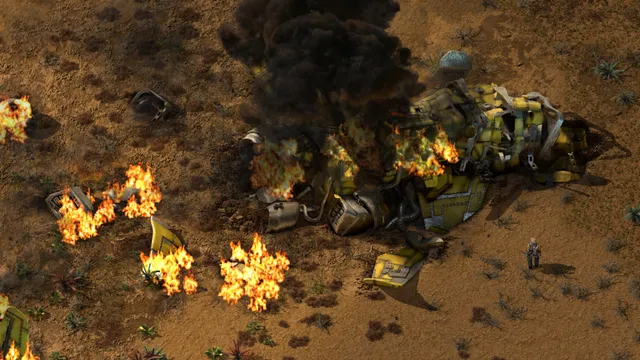
An industrial machine and damaged terrain from Factorio’s Steam gallery.
Wube Software · Steam gallery ↗

Strategy

Factorio

Design production lines, automate supply chains and expand a factory. Choose it for planning rather than fast reactions.

Mac requirementsApple silicon Mac · 8 GB RAM · 5 GB; 16 GB / 10 GB recommended

Your first session

Install the current Mac release and open its tutorial. The main menu identifies the running binary; Apple silicon uses arm64.

Wube added a Universal Mac binary in 1.1.71. The old Intel minimum OS line in Steam is not an Apple silicon OS requirement.

Wube: native Apple silicon release ↗
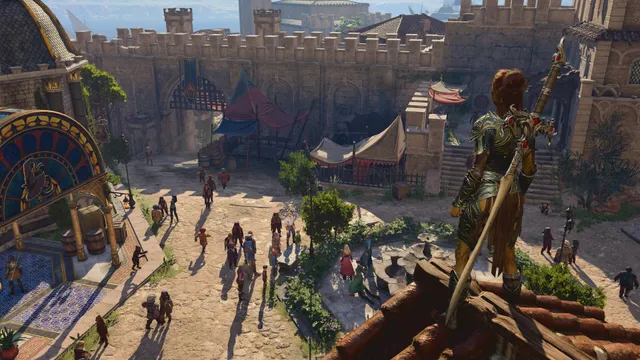
A crowded fantasy town courtyard in Baldur’s Gate 3.
Larian Studios · Steam gallery ↗

RPG

Baldur’s Gate 3

Build a party and make choices in a turn-based fantasy RPG. Choose it for long campaigns, dialogue and tactical battles.

Mac requirementsM1 · 8 GB RAM · macOS 14.7.1+ · 150 GB on SSD

Your first session

Allow for the large SSD installation. Begin on low-to-medium settings at the minimum tier; use the recommended M1 Pro / 16 GB tier for higher settings.

The minimum tier is not suitable for split-screen according to the store. Check the current version’s multiplayer compatibility before arranging a co-op session.

A small cat looking down a neon-lit city street in Stray.
BlueTwelve Studio / Annapurna · Steam gallery ↗

Adventure

Stray

Explore a robot city as a cat, navigating rooftops and solving environmental puzzles. Choose it for a focused adventure.

Mac requirementsApple silicon · macOS 13+ · 10 GB; store gives no RAM minimum

Your first session

Install the Mac version and begin the opening chapter. Follow the on-screen jump prompts to learn which ledges you can reach.

The Mac store requirements specify Apple silicon without a separate RAM value. It is therefore omitted from the RAM-filtered selections.

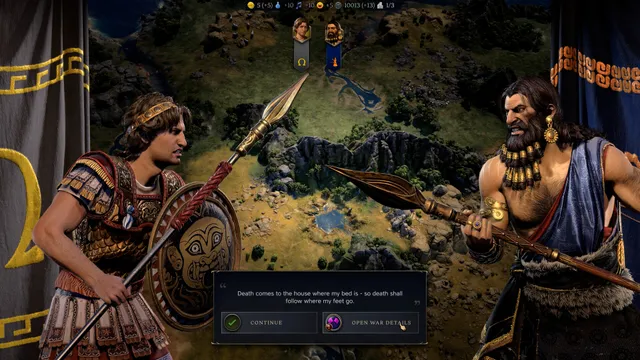
Two leaders negotiating on the Civilization VII diplomacy screen.
Firaxis Games / 2K · Steam gallery ↗

Strategy

Civilization VII

Develop an empire across historical Ages, balancing cities, research and diplomacy. Choose it for turn-based strategy.

Mac requirementsM1 8-core · 8 GB RAM · macOS 15 Sequoia · 25 GB

Your first session

Install the Mac release, then begin a new campaign with the tutorial enabled. Check the selected edition before buying extra content.

Steam recommends an M2 Pro 10-core and 16 GB. The minimum M1 listing is not a promise of identical performance in late-game turns.

A sunlit ancient city panorama in Total War PHARAOH DYNASTIES.
Creative Assembly / SEGA · Steam gallery ↗

Strategy

Total War: PHARAOH DYNASTIES

Combine a Bronze Age campaign map with real-time battles. Choose it for army positioning and empire management.

Mac requirementsM1 8-core CPU / 7-core GPU · 8 GB RAM · macOS 13.4+ · 80 GB

Your first session

Choose PHARAOH DYNASTIES in Steam, install its Mac version and use the campaign tutorial before increasing battle size.

The store lists support for M1-or-better Macs released since November 2020. These requirements belong to DYNASTIES, not a different Total War title.

From store page to first launch

  1. Compare the Mac specification.Open Apple menu → About This Mac for your chip, memory and macOS version. Match all three to the game’s Mac requirements, then check free storage.
  2. Install through Steam on the Mac.Use the official Mac Steam client and the same Steam account that owns the game. Open Library, choose the game and select Install. Existing ownership covers the Mac version of these Steam titles.
  3. Finish the first launch.Allow initial setup to finish. Choose the game’s starting preset, play one repeatable scene and adjust graphics after you know the controls. Keep the game updated through Steam.

Get Steam from Valve ↗

The game name alone does not identify its Mac edition

ExampleWhere to install the native Mac version
Cyberpunk 2077Available through Steam as well as other Mac stores. Compare the Mac stores and requirements →
Death Stranding Director’s CutUse the Mac App Store edition. The Steam listing is Windows-only. Open the Mac buying and install guide →
Resident Evil 4Use the Mac App Store release, with a limited free portion and a full-game purchase. See the full-game purchase and storage steps →

Check which Mac version is installed

Select the installed game app in Finder and press ⌘I. Under Kind, Apple silicon means an ARM app; Universal means the app contains both Apple silicon and Intel code. An Intel-only app needs Rosetta. Inspect the game app rather than just the launcher.

Follow the native-versus-Rosetta steps →

Mac requirements and store editions above were read on 22 October 2026. Prefer a complete free game? Choose a free native Mac download. For community builds that use your own game files, browse the full game-guide directory.